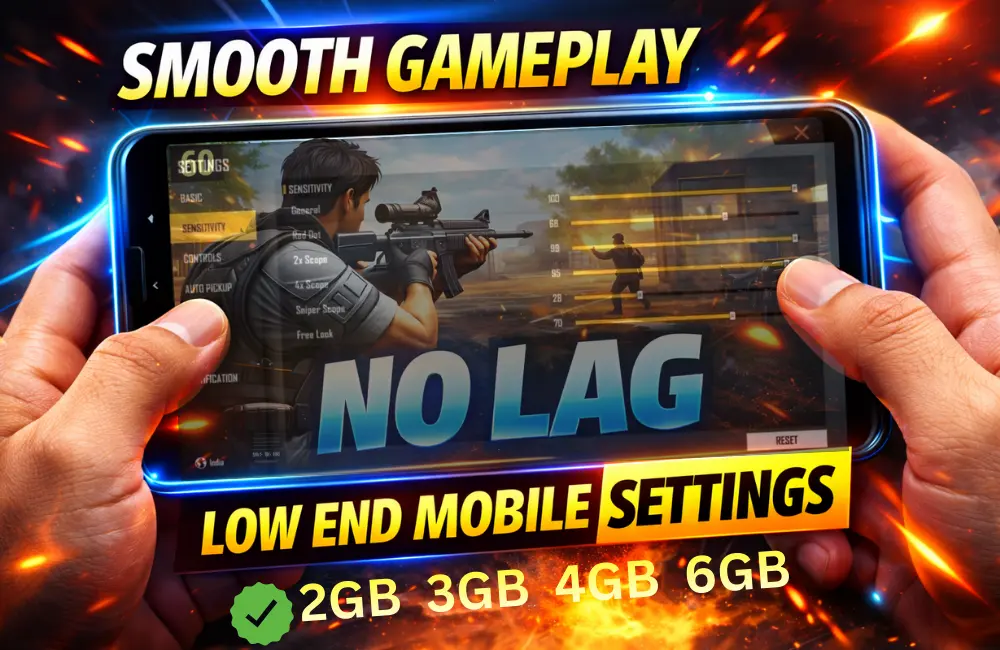
Agar aap low end mobile (2GB / 3GB RAM) me Free Fire khelte ho aur lag, frame drop, ya heating problem face kar rahe ho, toh aap akela nahi ho.
Good news ye hai ki sahi settings + thode smart tricks se aap low end phone me bhi smooth gameplay without lag enjoy kar sakte ho
Low End Mobile Kya Hota Hai?
Low end mobile ka matlab hota hai:
- 2GB / 3GB RAM
- Average processor
- Old Android version
- Limited storage
👉 Lekin Free Fire ka advantage ye hai ki ye low end devices ke liye hi optimise kiya gaya hai.
Best Graphics Settings for Low End Mobile
Graphics settings sabse important hoti hain smooth gameplay ke liye.
✅ Recommended Graphics Settings:
- Graphics: Smooth
- High FPS: Normal (High OFF rakho)
- Minimize Lag: ON
- High Resolution: OFF
- Shadows: OFF
- Filters: OFF
Why?
Low graphics = less load on CPU & GPU = smooth FPS.
Sensitivity Settings for Smooth Gameplay
Galat sensitivity se lag aur aim dono kharab ho jaate hain.
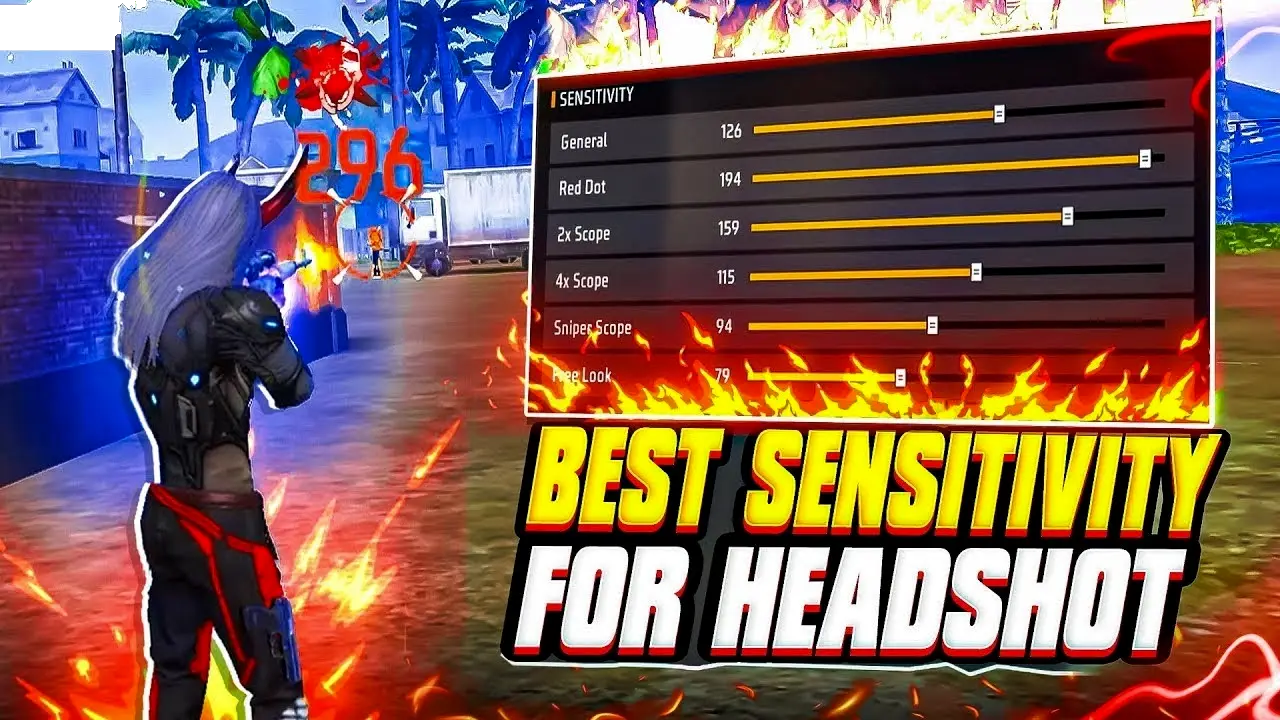
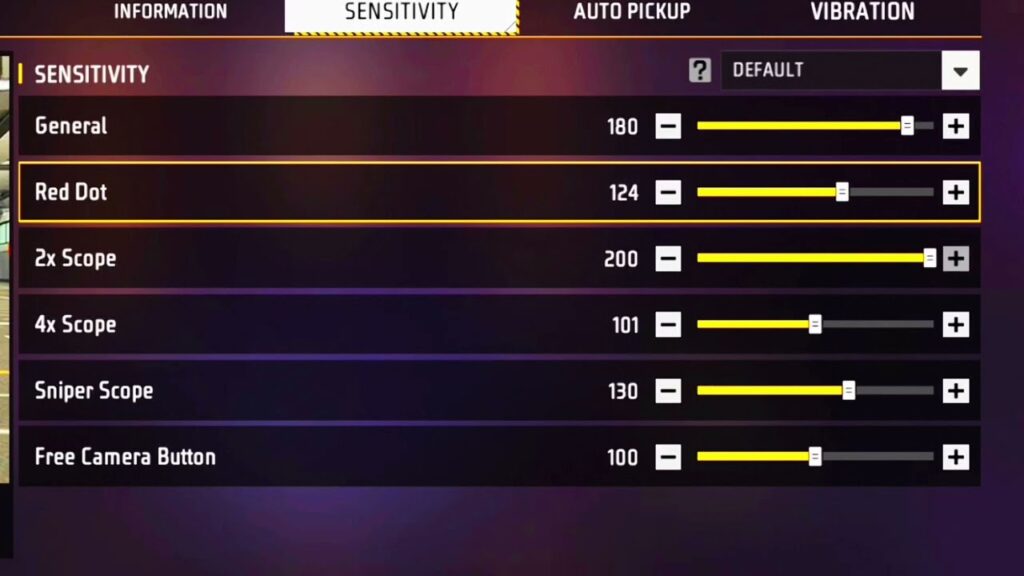
🎯 Low End Mobile Sensitivity:
- General: Medium–High
- Red Dot: Medium
- 2x Scope: Medium
- 4x Scope: Low
- AWM Scope: Very Low
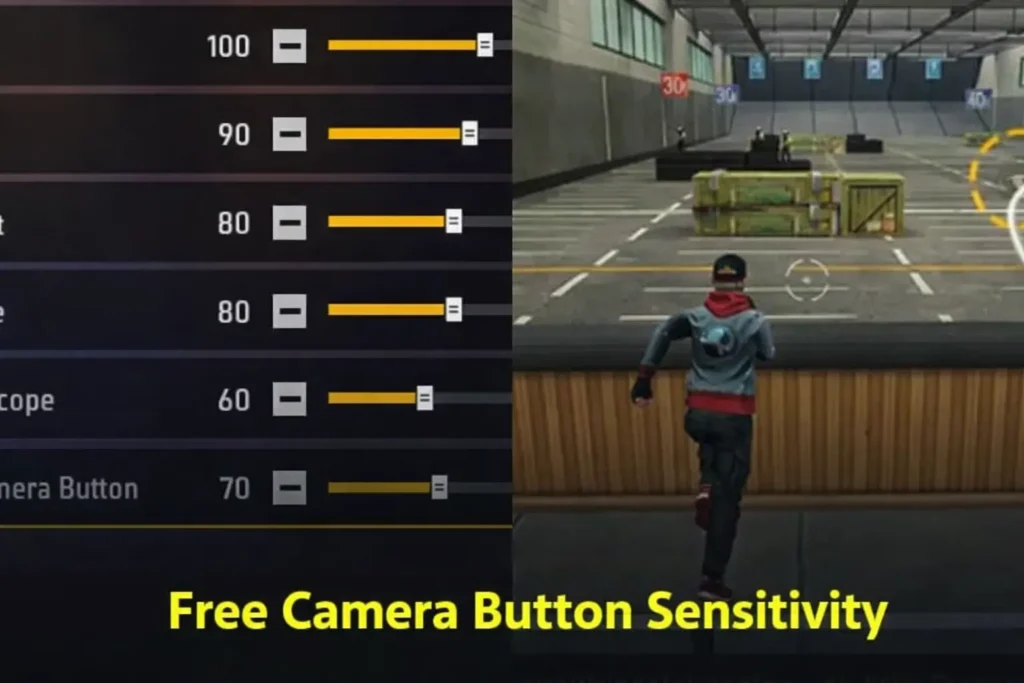
- Free Look: Medium
👉 Sensitivity ko zyada high mat rakho, warna frame drop feel hota hai.
Controls & HUD Settings
Heavy HUD low end phones me lag create karta hai.
Best HUD Tips:
- Extra buttons disable karo
- Fire button size medium rakho
- Scope & jump buttons simple rakho
- Custom HUD zyada complex mat banao
In-Game Settings Jo Lag Kam Karte Hain
Must-ON Options:
- Quick Weapon Switch: OFF
- Auto Download Resources: OFF
- Voice Chat (jab zarurat ho): ON/OFF
👉 Jab voice chat use na ho, toh OFF rakho.
Network Settings for No Lag Gameplay
Kabhi-kabhi lag phone se nahi, internet se hota hai.
Best Network Tips:
- Stable Wi-Fi ya strong mobile data
- Background downloads band karo
- VPN use mat karo
- Match start se pehle internet test karo
Pro Tip:
Late night ya early morning me ping sabse stable hota hai.
Device Optimization Tips (Very Important)
Phone ko Fast Kaise Rakhein:
- Background apps close karo
- Storage me kam se kam 2–3 GB free rakho
- Game mode / performance mode ON karo
- Phone overheat ho toh break lo
👉 Overheating = lag guaranteed.
Developer Options (Advanced Users Only)
Agar aap thoda advanced ho:
Safe Options:
- Animation scale: 0.5x
- Background process limit: Standard
- Force GPU rendering: OFF
⚠️ Galat setting phone ko slow kar sakti hai, dhyaan se use karo.
Best Characters for Low End Mobile
Heavy skills wale characters lag create kar sakte hain.
Best Characters:
- Alok – Simple healing
- Kelly – Speed boost
- Andrew – Damage reduction
👉 Complex animation wale characters avoid karo.
Gloo Wall & Gameplay Tips
Low end mobile me gloo wall spam lag laata hai.
Smart Tips:
- Limited gloo wall use karo
- Random jump spam mat karo
- Spray control rakho
Common Mistakes Causing Lag
❌ High graphics use karna
❌ Background apps open rakhna
❌ Phone charging ke time game khelna
❌ Overheating ignore karna
Best Practice Mode for Low End Devices
Practice ke liye:
- Training Ground
- Classic BR (solo)
- Custom Room (limited players)
👉 Clash Squad continuous khelna phone ko heat kar deta hai.
Pro Tips for Smooth Gameplay (2026)
- Match ke beech settings change mat karo
- Phone restart daily ek baar
- Headphones use karo (less distraction)
- Long sessions avoid karo
Low end mobile hone ka matlab ye nahi ki aap Free Fire enjoy nahi kar sakte.
Agar aap sahi settings, proper optimisation aur smart gameplay follow karte ho, toh aap bhi smooth gameplay without lag experience kar sakte ho 🔥